 Meter Matters
Documentation
Meter Matters turns the files and emails your electric, gas and water companies already send you into something you can act on. These pages are the setup, step by step, with a screenshot at every point where you have to do something, and a plain account of what each way of getting bills in can and cannot see.
The short version
- Create an account. An email address and a password, or Google. Nothing is connected to anything yet. Getting started
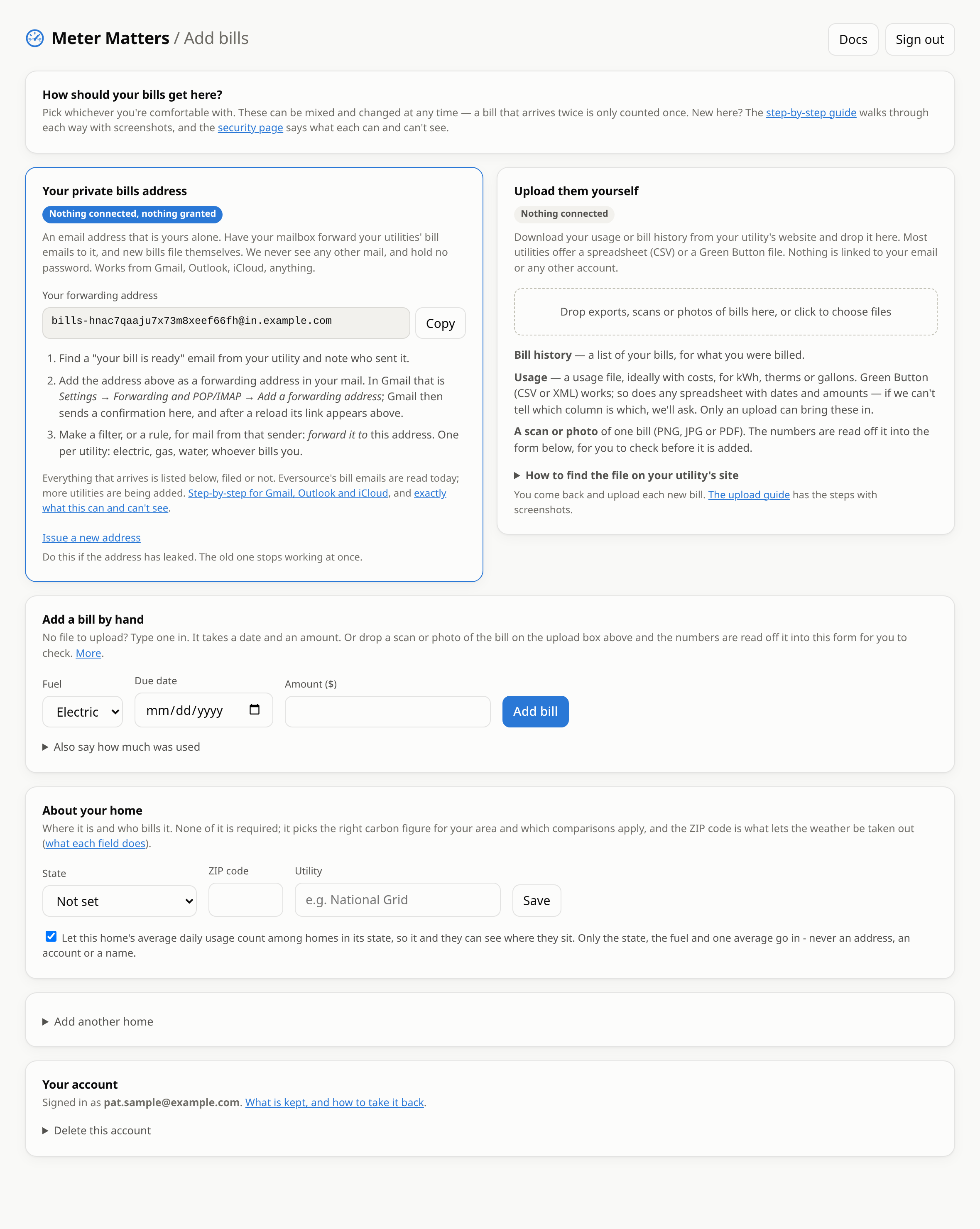
- Pick how bills get in. Download an export from your utility and drop it in, which gives you years of history in one go. Then, if you like, have your mailbox forward each new bill email to your private bills address so you never do it again. Upload · Forwarding
- Say where the home is. A state and a ZIP code. That is what lets the weather be taken out of the comparison with last year. About your home
Setting up
Getting started
An account, a word about your home, and the first bill. Ten minutes.
Upload your utility's files
Where the export is on your utility's site, what to drop in, and what happens next.
Forward your bill emails
A private address for your bills, with the exact steps for Gmail, Outlook and iCloud.
Type a bill in, or scan it
For a bill on paper, or a utility with nothing to download.
More than one home
A second house, a flat, a relative's place, each kept apart.
Your data
Security and privacy
What each way can see, what is kept, what never leaves your mailbox, and how to undo it.
When something doesn't file
A bill that arrived but wasn't filed, a file that was turned away, a column it couldn't tell.
Behind the scenes
If you only read one page
Read Security and privacy. It says exactly what the app sees when you forward email, what it keeps, and what it never has. Forwarding is the way most people are unsure about, and the answer is short: your mailbox sends the app the bill emails your own filter picks out, and nothing else. The app has no password to your mail and cannot read it.